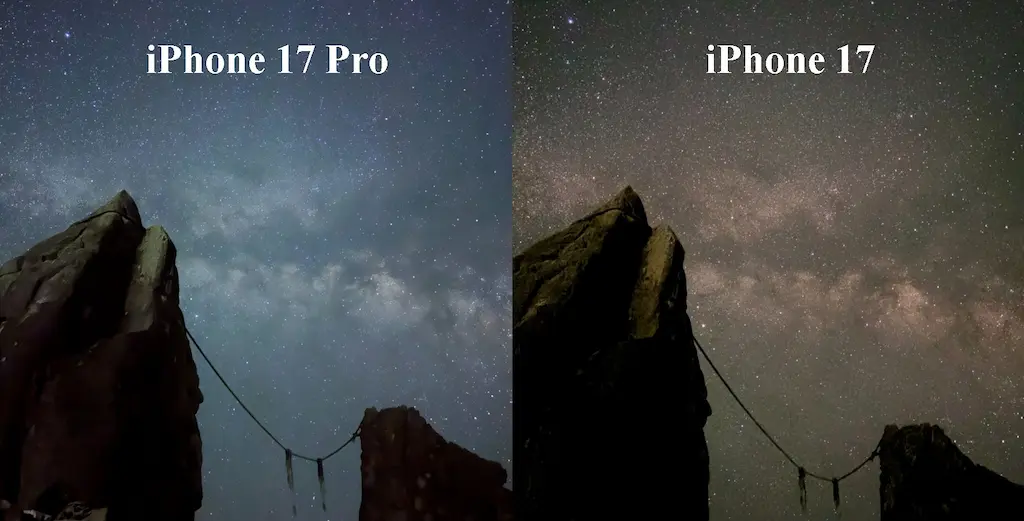
We compared the astrophotography capabilities of the iPhone 17 Pro, Galaxy S26 Ultra, and Pixel 10 Pro.
The results revealed fundamentally different approaches to noise reduction in starry skies. While the iPhone and Pixel both effectively process images to create beautiful results—albeit in different ways—Galaxy’s software processing approach puts it at a disadvantage for astrophotography.
Shooting Conditions
・iPhone 17 Pro: Night Mode (30 seconds)
・Galaxy S26 Ultra: Expert RAW, Astrophotography Mode set to “Short” (approx. 3 minutes)
・Pixel 10 Pro: Astrophotography Mode (3 minutes 14 seconds)
・Setup: All devices were fixed to the same tripod and shot at almost the same time.
Comparison 1: The Milky Way
iPhone 17 Pro

Galaxy S26 Ultra
Pixel 10 Pro

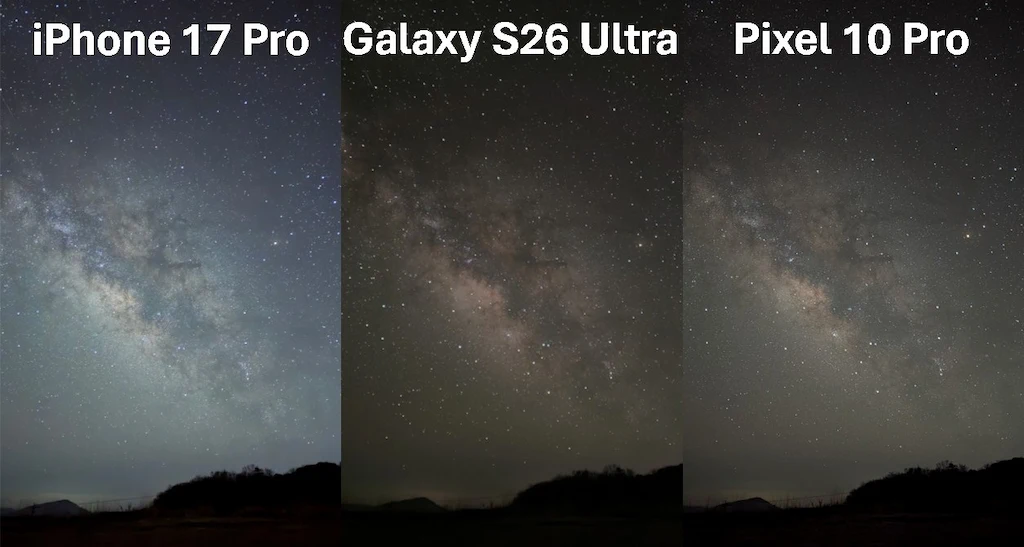
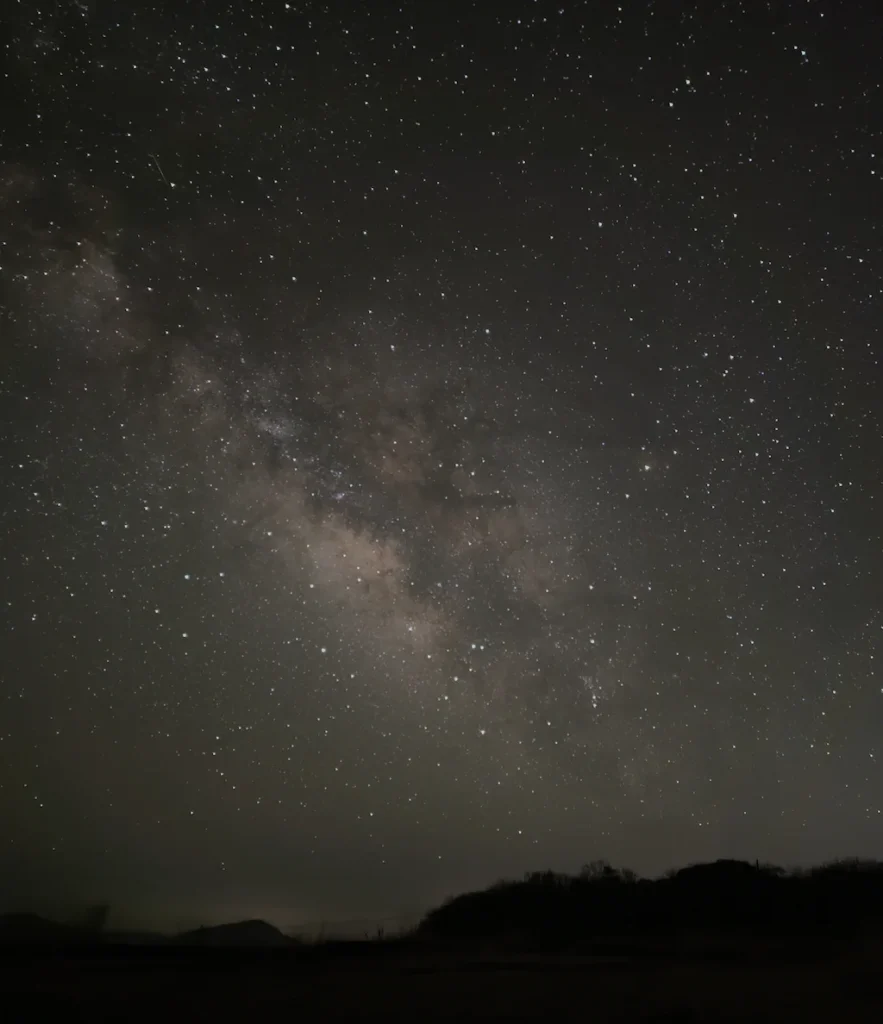
Looking at the overall pictures, the iPhone makes the Milky Way stand out, creating a very dynamic and impactful photo. The Galaxy has natural colors, but it lacks contrast, resulting in a somewhat flat impression. The Pixel is not as flashy as the iPhone, but it provides a highly detailed and refined image.
While there are differences in exposure settings, the biggest reason for these varied results is how each phone handles noise reduction.
Noise reduction is a software feature that smooths out the grain (noise) in a photo. However, if it is too aggressive, the software cannot tell the difference between “grain” and “small stars,” accidentally deleting the stars. Based on the comparison, here is how each smartphone approaches noise reduction:
・iPhone (Adaptive): It applies weak noise reduction in crowded areas (like the Milky Way) to preserve details, but applies strong noise reduction in empty areas of the night sky to keep it looking clean.
・Galaxy (Uniform): It aggressively smooths out the entire image evenly, prioritizing the removal of color noise (color variations).
・Pixel (Consistent): It consistently preserves fine details, subtle contrasts, and small stars across the entire image without heavy smoothing.
To see these differences clearly, let’s zoom in on two specific areas.
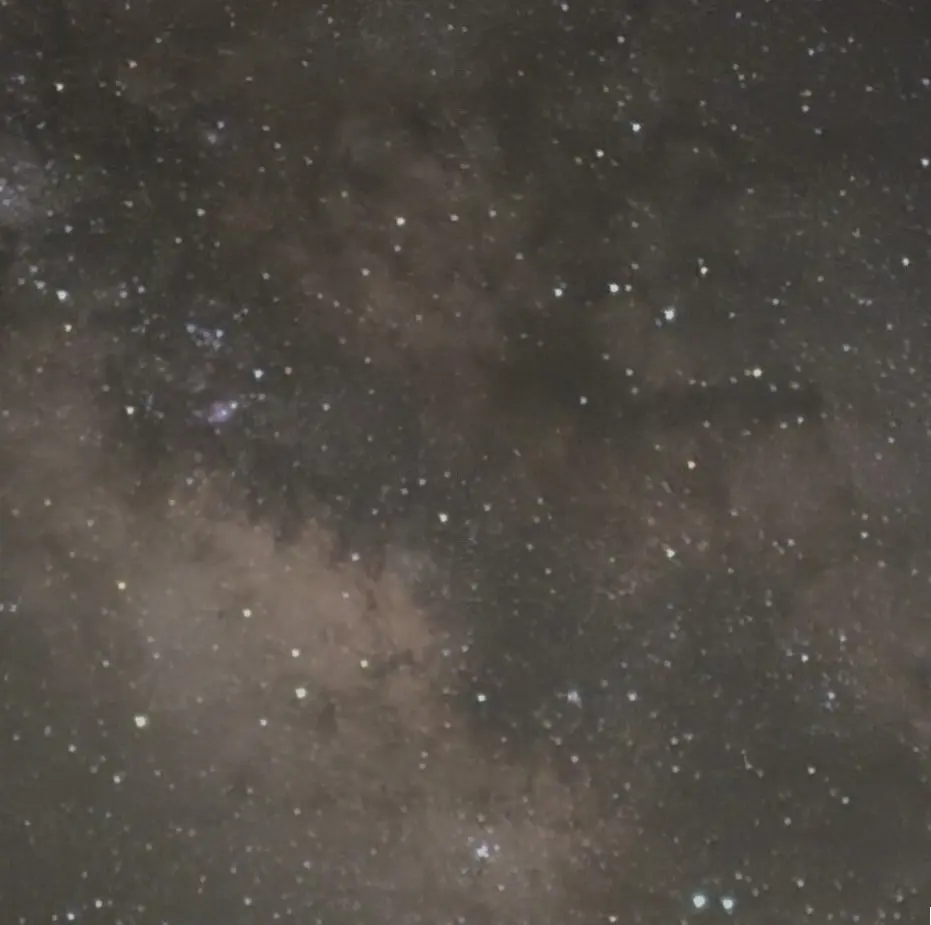
The Center of the Milky Way
iPhone 17 Pro — Crop
Galaxy S26 Ultra — Crop
Pixel 10 Pro — Crop
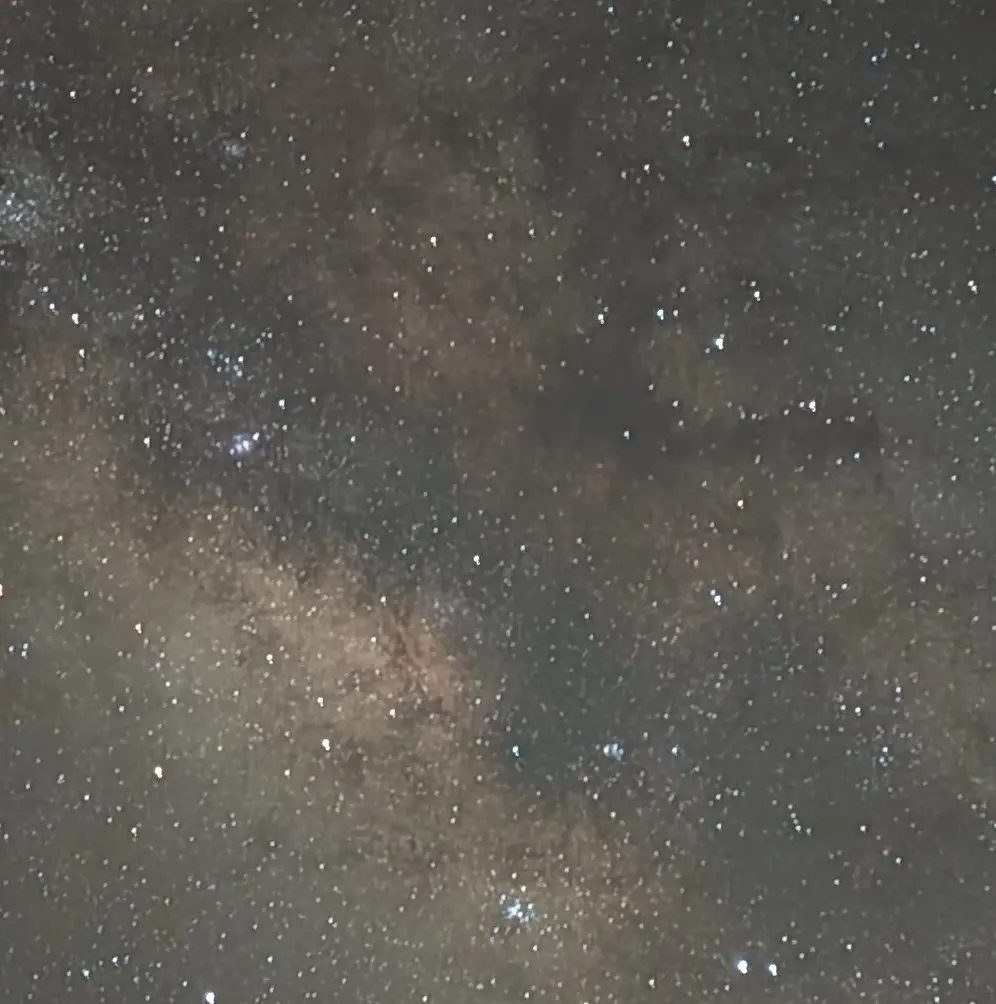
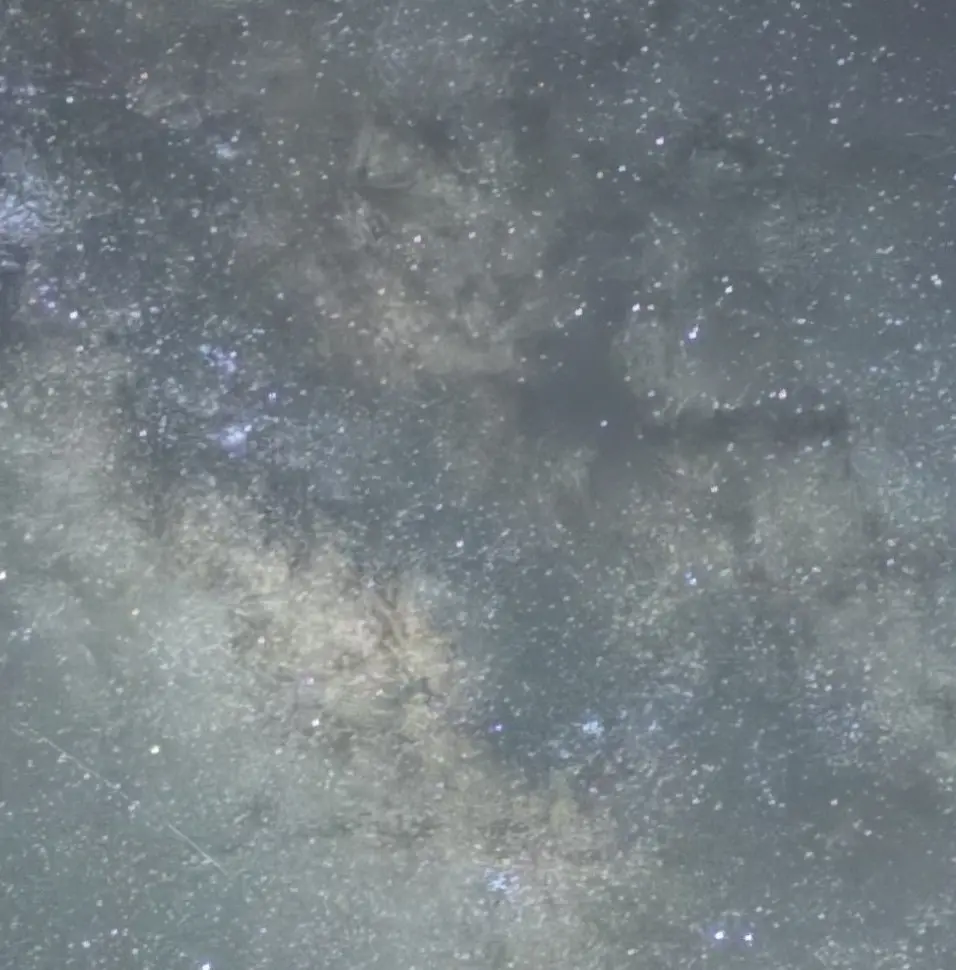
Both the iPhone and Pixel leave a little bit of grain, but they beautifully capture the thick clouds of the Milky Way and display a massive amount of stars. The Pixel’s detail here is especially remarkable.
In contrast, the Galaxy has very little noise, but the rich contrast of the Milky Way is lost, and the small stars have disappeared. Because Galaxy applies a uniform smoothing process to reduce color variations, its software likely mistook the small stars and subtle gas clouds for “color noise” and erased them.
A Darker Area Away from the Milky Way
iPhone 17 Pro — Crop
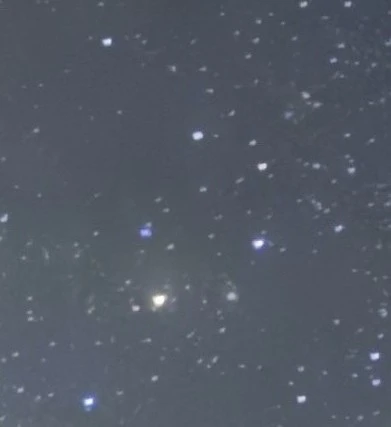
Galaxy S26 Ultra — Crop
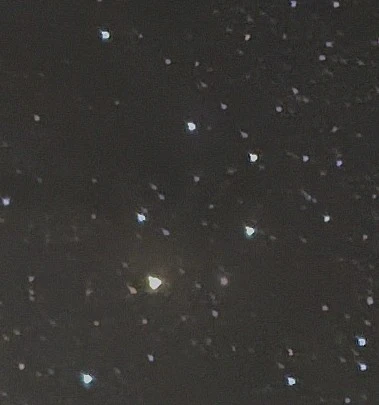
Pixel 10 Pro — Crop
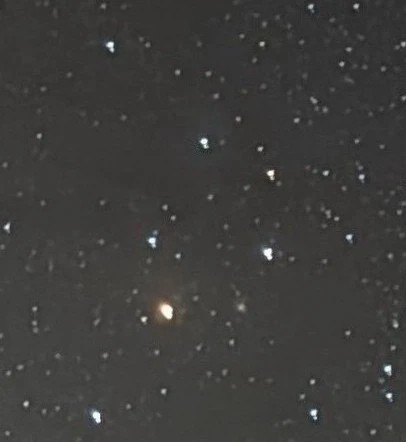
In this empty area of the sky, the iPhone actually looks the smoothest. This shows that the iPhone is smart enough to change its noise reduction strength depending on the area of the photo. It keeps the main subject (the Milky Way) detailed and lively, while keeping the background sky clean and distraction-free. In this sense, the iPhone uses a highly logical approach to highlight the main subject.
The Pixel continues to preserve a large amount of information, even in this darker area.
The Galaxy appears to use a more uniform processing method across the image. This creates a clean night sky with little visible noise, but it can also make the result look less detailed and less dynamic.
Comparison 2: Fine Celestial Detail and the Andromeda Galaxy
iPhone 17 Pro
Galaxy S26 Ultra
Pixel 10 Pro
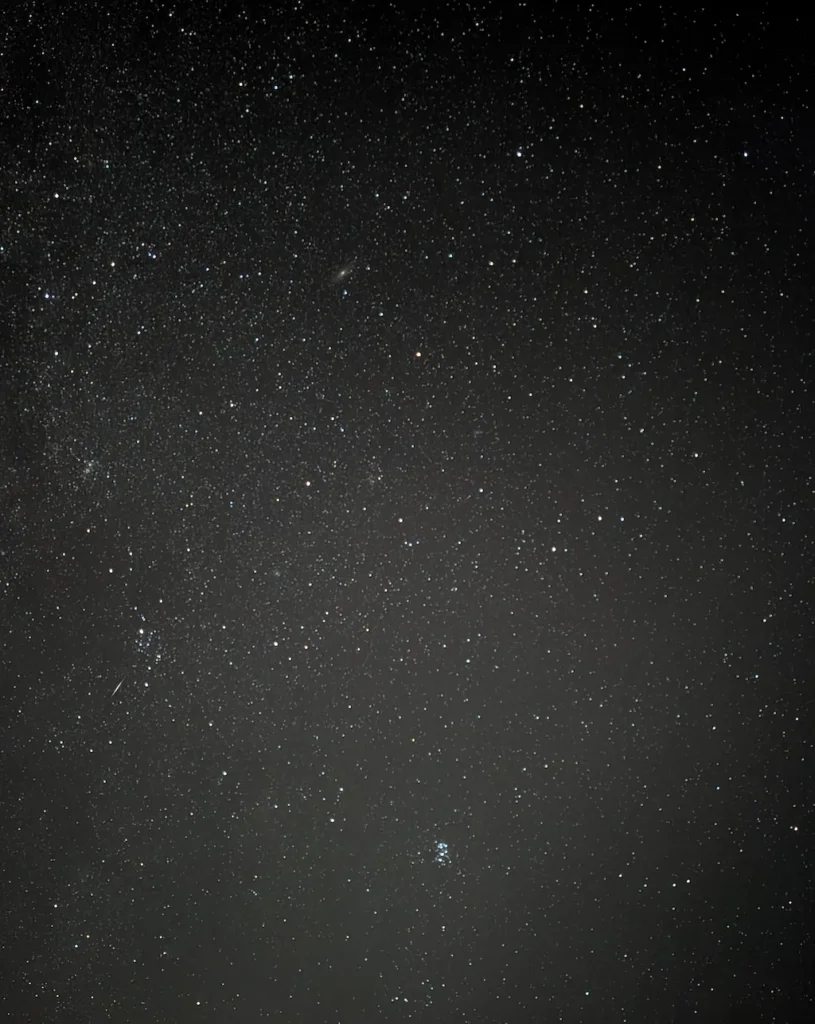
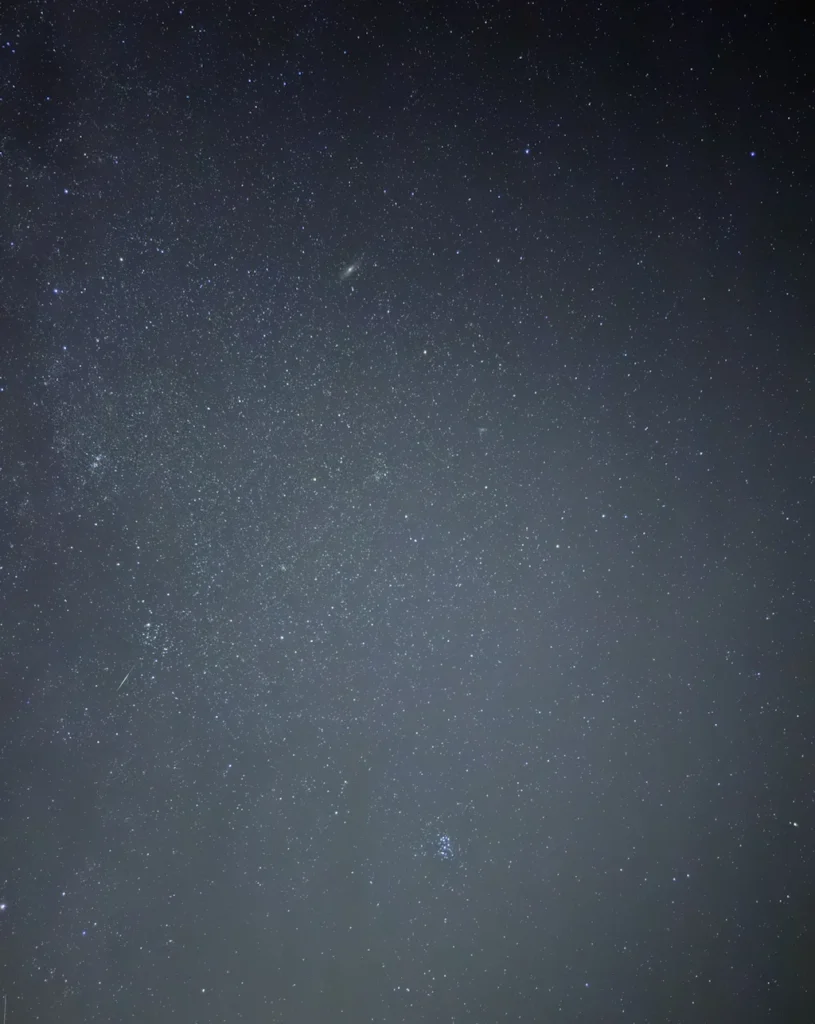
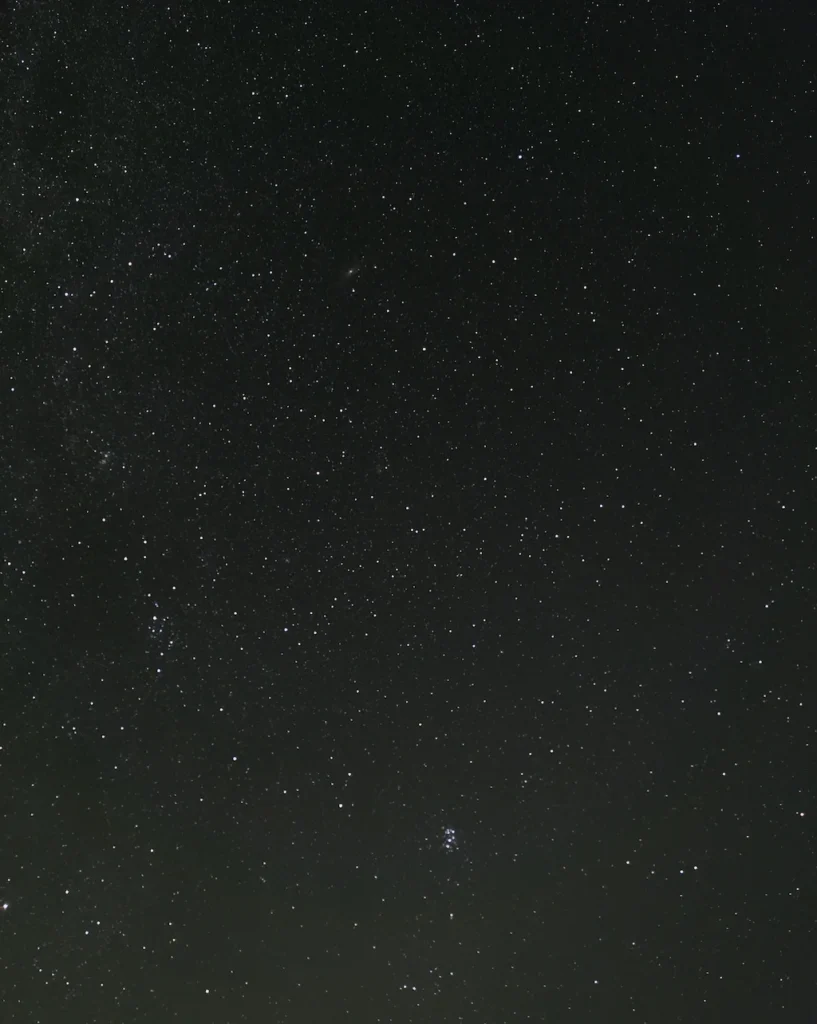
From the left side (many stars) to the center, the iPhone keeps more noise but captures far more stars. As you move to the right side (fewer stars), the difference between the iPhone and Galaxy becomes smaller. This perfectly illustrates the iPhone’s “adaptive processing” based on star density. The Pixel, meanwhile, heavily emphasizes the stars consistently from left to right.
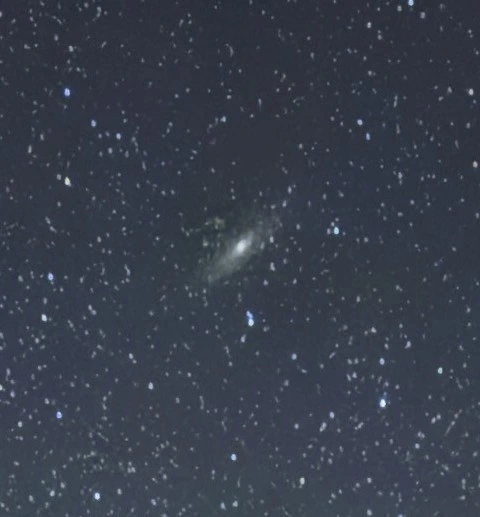
Now, let’s zoom in on the Andromeda Galaxy (M31), located in the upper-left center of the frame.
Andromeda Galaxy, M31
iPhone 17 Pro — Crop
Galaxy S26 Ultra — Crop

Pixel 10 Pro — Crop
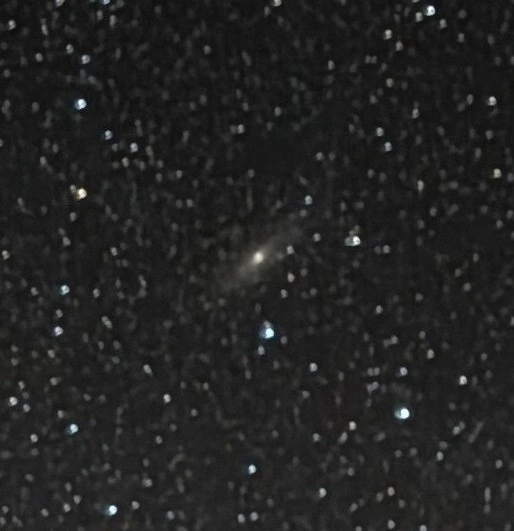
The iPhone and Pixel successfully capture the faint outer edges of the Andromeda Galaxy and the small stars surrounding it. The Galaxy fails to capture these outer edges. Because the edges of the galaxy are faint and similar in color to the night sky, Galaxy’s software blended them into the background color during its smoothing process.
Conclusion: Galaxy’s “Design Dilemma”
Through this testing, the concept behind each smartphone becomes very clear.
・The iPhone uses AI to instantly recognize the subject and deliver the “best-looking picture straight out of the camera.”
・The Galaxy, particularly its “Expert RAW” mode, is designed with post-editing (retouching) in mind.
・The Pixel guarantees a high-quality, fail-proof astrophoto no matter where you point the camera.
It is highly likely that Galaxy intentionally outputs a clean, heavily smoothed image so that noise does not get in the way when users edit the photos later.
However, this creates a major dilemma.
Faint details like the dust clouds of the Milky Way, tiny stars, and the edges of the Andromeda Galaxy cannot be recovered once the software erases them. No matter how much you edit the photo afterward, you cannot bring back data that is no longer there. In its attempt to make the photo “easier to edit” by removing noise, Galaxy is accidentally destroying the crucial details needed for editing.
The Galaxy S26 Ultra has seen massive hardware improvements since the S25 Ultra. It has an excellent, brighter lens, and its integration with gallery editing apps is top-tier. Because the hardware has so much potential, we can only hope that future software updates will refine its noise reduction processing to truly make the most of it.