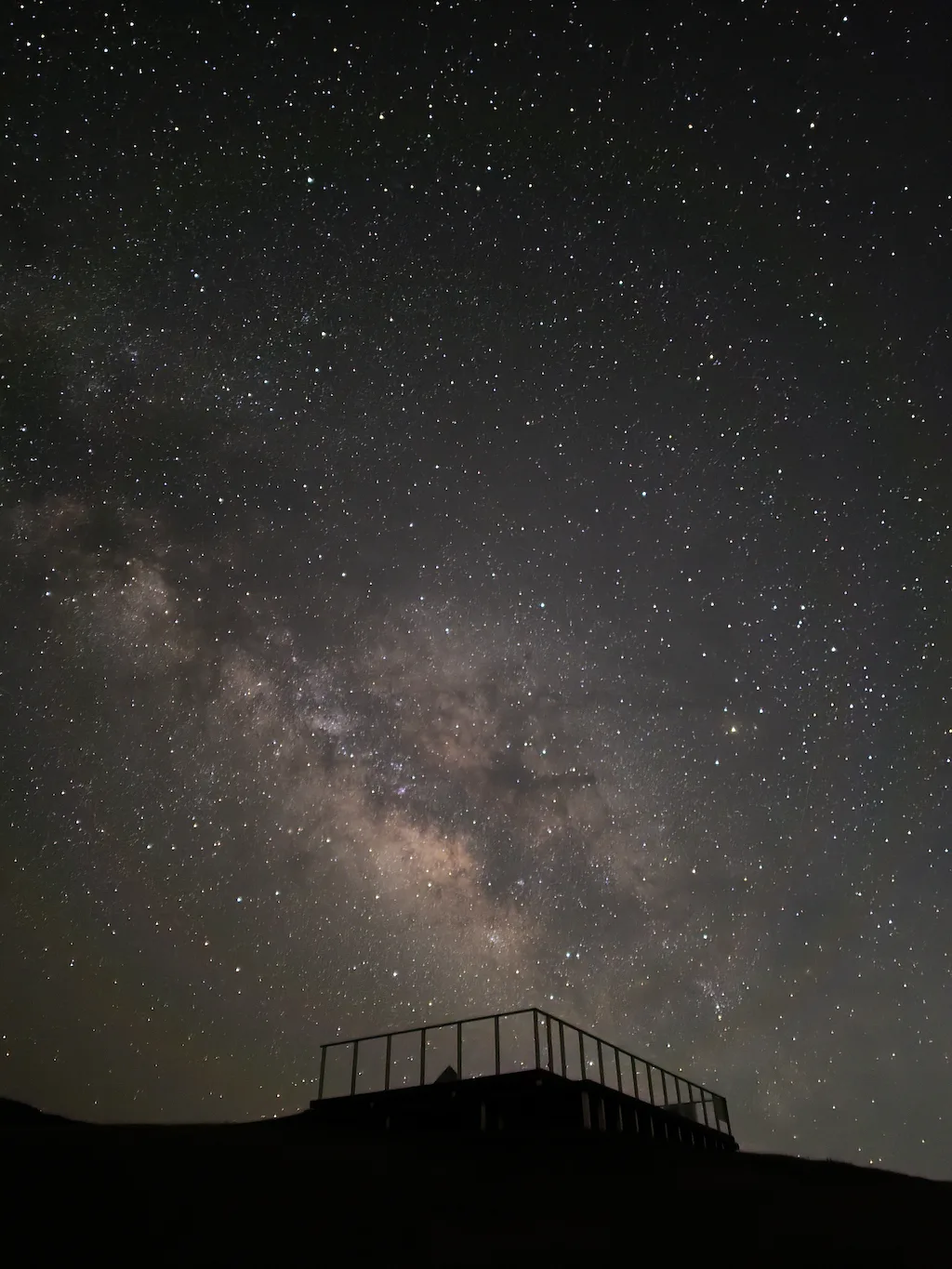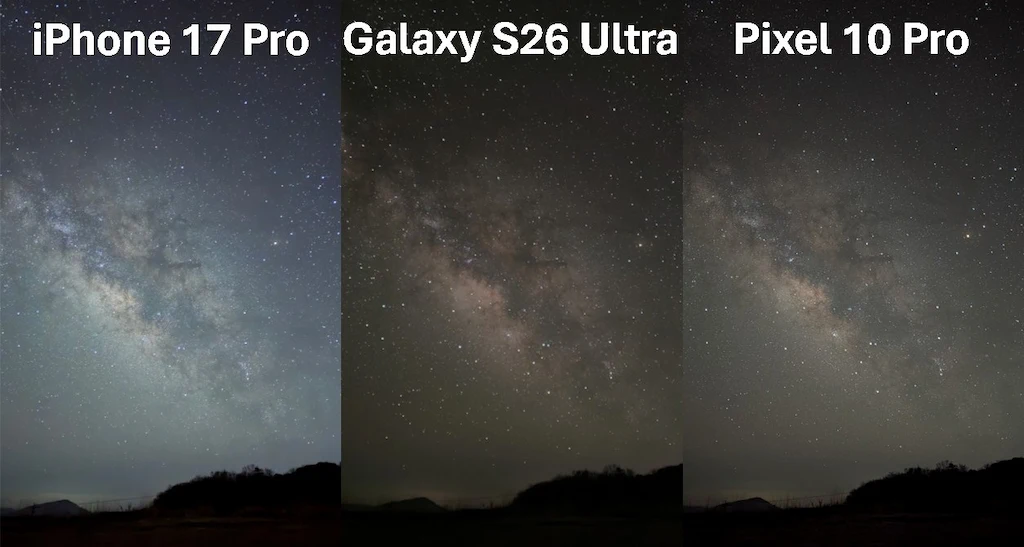
The regular iPhone 17 used to have a serious focus problem when shooting the night sky. In some cases, the stars looked badly out of focus, and it was hard to recommend the phone for astrophotography.
I also tested five different iPhone 17 units and reported this focus issue before. However, after iOS 26.5, the situation seems to have changed. At least in my own testing, the major focus problem is no longer visible.
What surprised me even more was the result after the focus issue improved.
In these tests, the regular iPhone 17 sometimes produced better-looking starry sky photos than the more expensive iPhone 17 Pro.
In this article, I will compare real night sky photos taken with the iPhone 17 and iPhone 17 Pro, and explain why the regular iPhone 17 may actually look better for astrophotography in some situations.
Test Conditions
The photos were taken under the following conditions:
・Same location
・Same tripod
・Same night sky
・iOS 26.5
・Standard iPhone Camera app
・Night mode set to 30 seconds
The goal was to compare the phones as fairly as possible using the default camera experience.
Example 1: Milky Way Photo
iPhone 17 Pro
iPhone 17
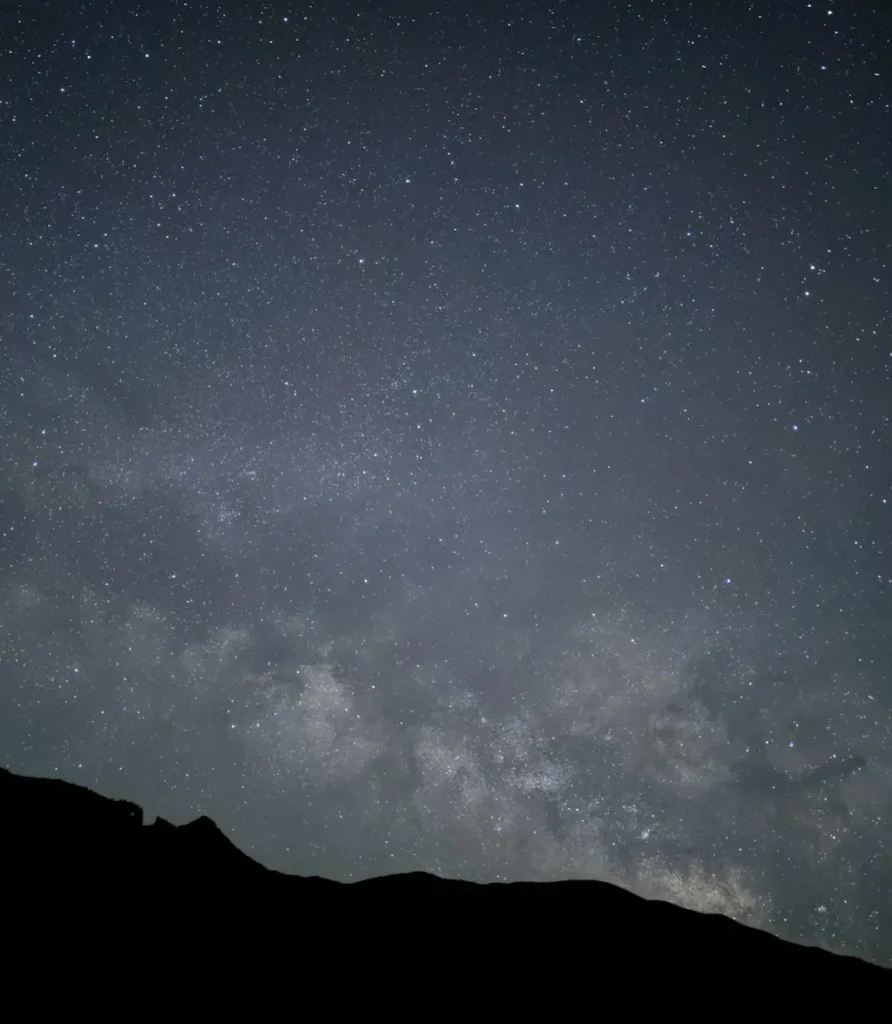
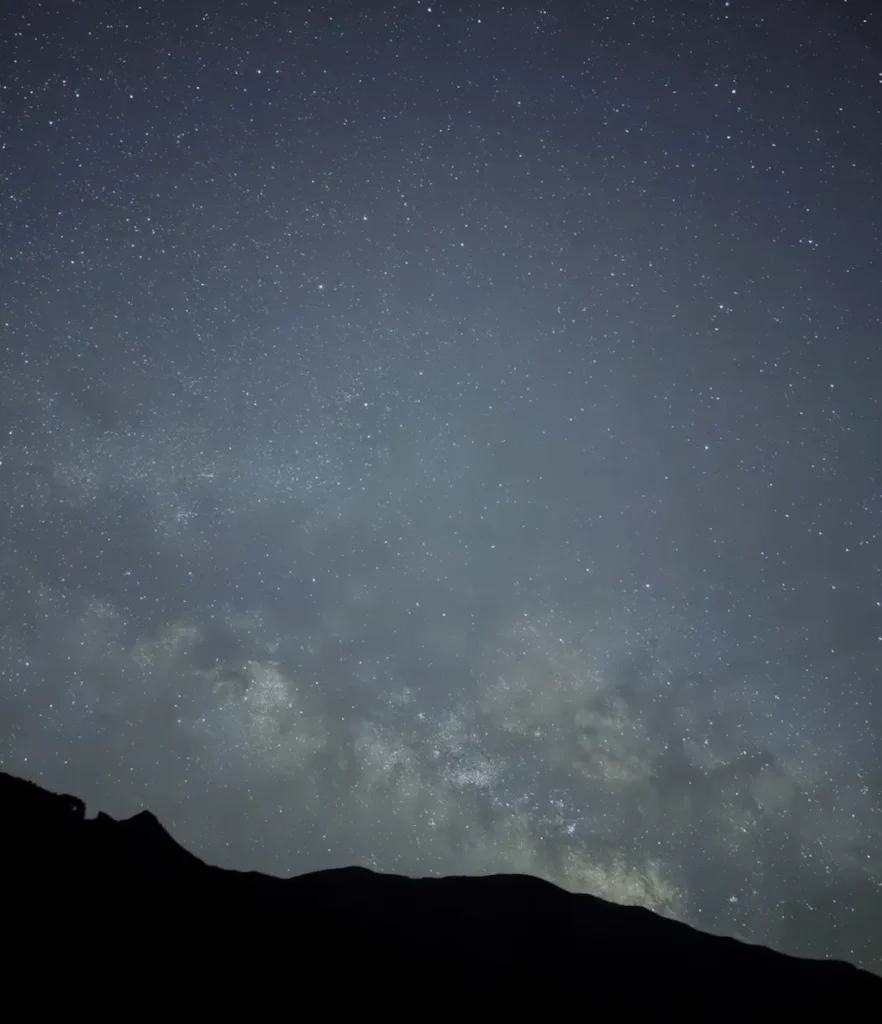
At first glance, the iPhone 17 Pro photo looks bright and smooth. The image is easy to look at, and the overall exposure is clean.
However, the regular iPhone 17 gives the sky a darker, deeper look. Because the sky is darker, the stars and the Milky Way stand out more clearly.
Brightness
The iPhone 17 Pro makes the whole sky brighter. This can be useful for general night photography, but for astrophotography it can be a disadvantage. The dark parts of the night sky become lighter, so the contrast between the stars and the sky becomes weaker.
The iPhone 17 keeps the sky darker. As a result, the stars look more separated from the background, and the Milky Way becomes easier to see.
Stars
The iPhone 17 gives a better impression here. The image has a little more noise, but many small stars remain visible as small points of light.
On the iPhone 17 Pro, the image looks smoother, but some faint stars seem to disappear.
The Milky Way
The Milky Way also looks clearer on the iPhone 17. The bright cloudy areas and the darker dust lanes are easier to see.
The iPhone 17 Pro still captures the Milky Way, but because the whole sky is brightened, the fine contrast becomes weaker. The photo looks clean, but the Milky Way does not stand out as much.
Example 1: Cropped Comparison
iPhone 17 Pro
iPhone 17
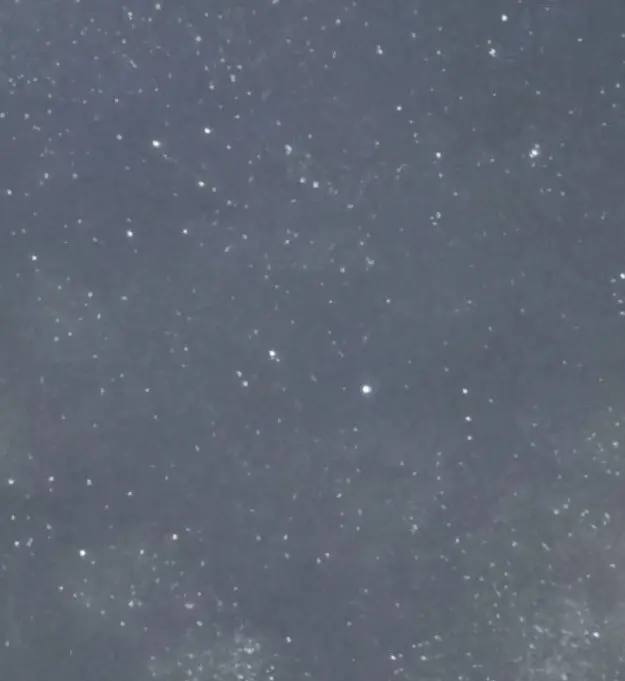
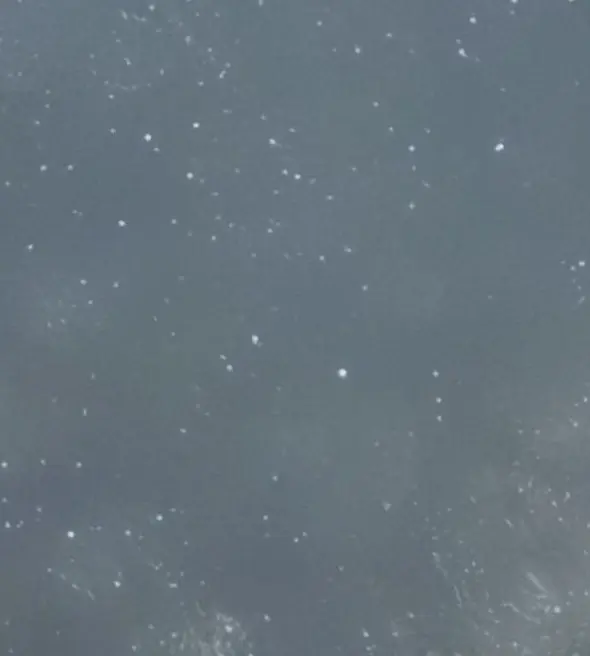
When we zoom in, the difference becomes easier to understand.
The iPhone 17 Pro applies stronger smoothing. This reduces noise, but it can also remove small stars and subtle details in the Milky Way.
The iPhone 17 looks noisier, but it keeps more of the small stars and fine structure.
This seems to come from the way each phone handles noise reduction. In starry sky photography, noise and faint stars can look similar because both appear as small dots. If noise reduction is too strong, the camera may remove real stars together with the noise.
For this kind of photo, the iPhone 17’s processing appears to work better. It accepts a little more grain, but it keeps more star detail.
Example 2: Starry Landscape Photo
iPhone 17 Pro
iPhone 17
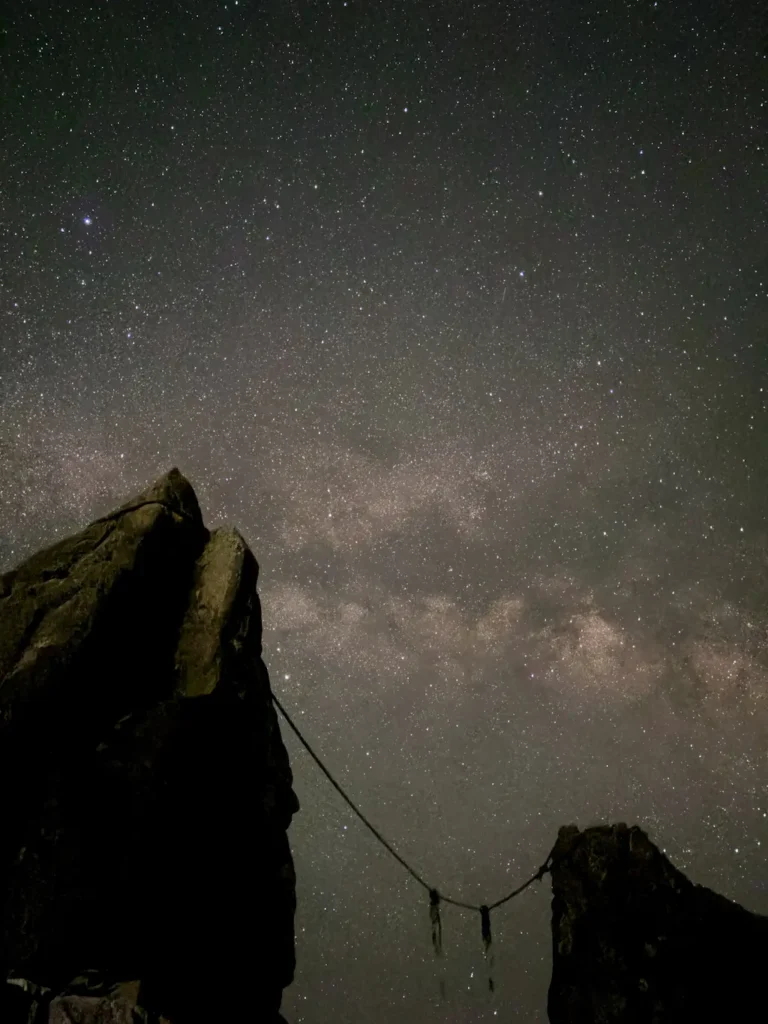
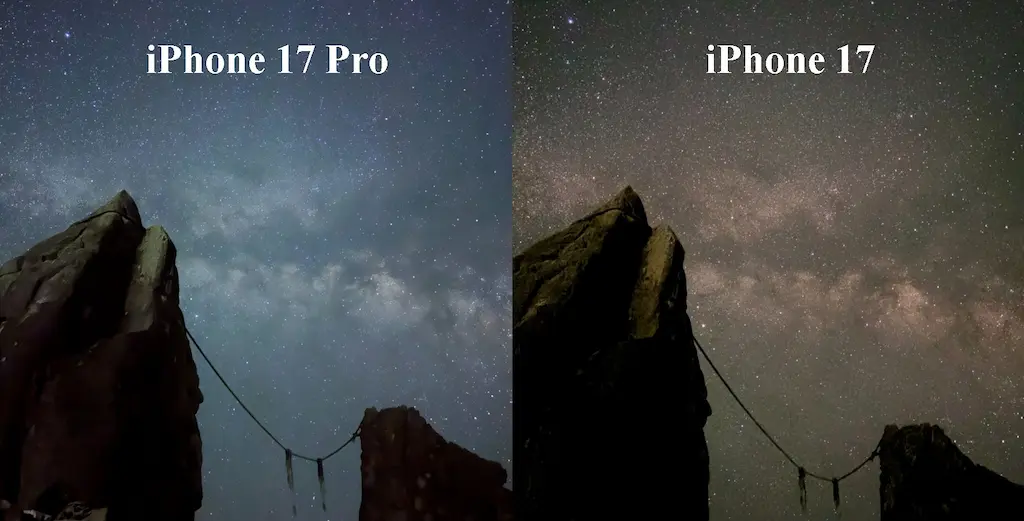
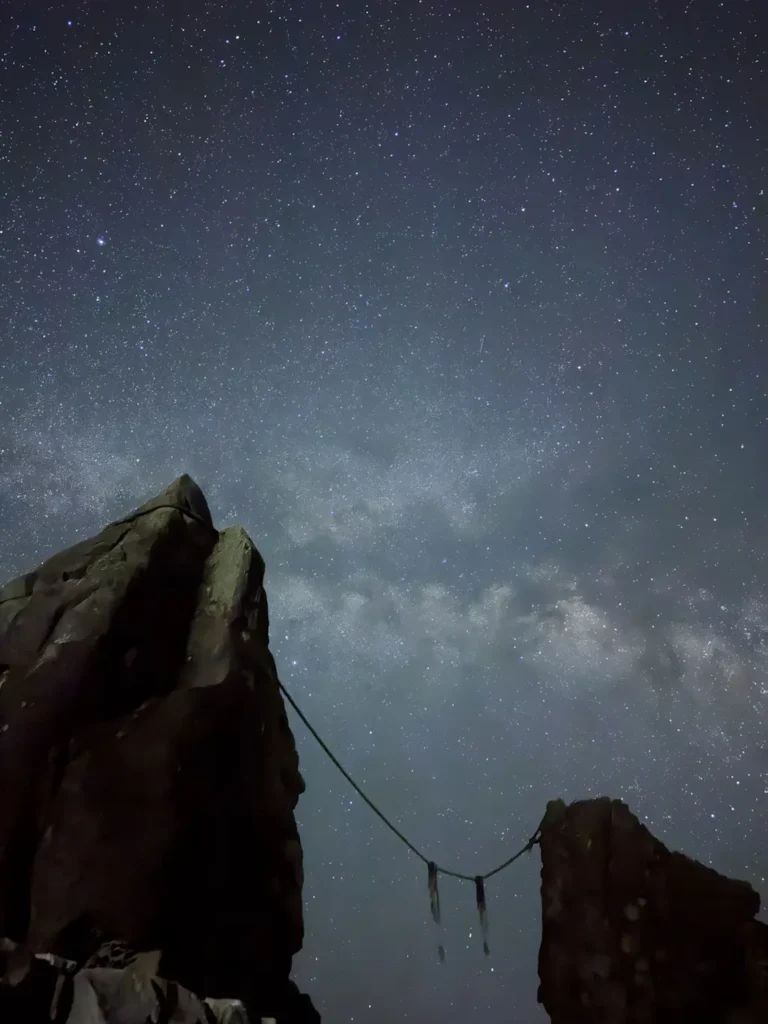
In a starry landscape photo with foreground scenery, the iPhone 17 Pro has some advantages.
The Pro model brightens both the sky and the foreground. This makes the whole photo easier to see. If you want a balanced night landscape photo, the iPhone 17 Pro may look more polished.
The iPhone 17 makes the foreground much darker. Some parts of the rocks or landscape can become almost black. However, the sky itself still looks stronger, with better star contrast and a clearer Milky Way.
Foreground
The iPhone 17 Pro shows more detail in the foreground. The rocks are brighter and easier to recognize.
The iPhone 17 keeps more contrast, but the foreground becomes more like a silhouette. This can look dramatic, but it may not be ideal if you want to show both the sky and the landscape.
Sky Detail
For the sky itself, the iPhone 17 still has the advantage. The stars look denser, and the Milky Way has more visible contrast.
The iPhone 17 Pro gives a cleaner and smoother image, but it also looks flatter in the sky.
Example 2: Cropped Comparison
iPhone 17 Pro
iPhone 17
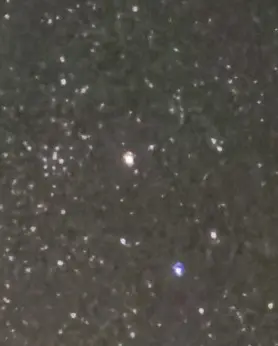
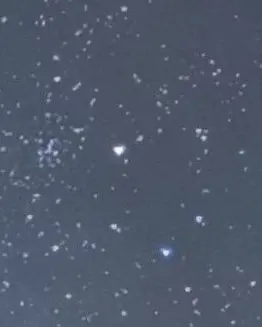
The cropped images show the same trend again.
The iPhone 17 Pro looks smooth and clean, but small stars are easier to lose. The fine texture of the Milky Way also becomes less clear.
The iPhone 17 has more visible grain, but it keeps more stars and more detail in the Milky Way.
After comparing many photos, the overall pattern was consistent.
| Category | iPhone 17 Pro | iPhone 17 |
| Sky brightness | Brighter | Darker and deeper |
| Noise reduction | Stronger and smoother | Weaker, with more detail |
| Small stars | Easier to lose | Easier to keep |
| Milky Way | Slightly flatter | More contrast and detail |
| Foreground | Easier to see | Often darker |
Conclusion
For unedited starry sky photos, the regular iPhone 17 gave the better result in this test.
The iPhone 17 Pro produces bright, smooth, and easy-to-view night photos. This is useful for normal night scenes, especially when the foreground is important.
However, for astrophotography, the brighter sky and stronger noise reduction can be a problem. Small stars and subtle Milky Way details may disappear.
The iPhone 17 is noisier, but it keeps the sky darker and preserves more small stars. The Milky Way also looks clearer and more three-dimensional.
If you plan to edit your photos later, the iPhone 17 Pro may still have room to improve. But once faint stars and fine Milky Way details are removed by noise reduction, they are difficult to bring back in editing.
So, for straight-out-of-camera starry sky photos, my conclusion is simple:
The regular iPhone 17 can look better than the iPhone 17 Pro for astrophotography.
This is a very interesting result. The iPhone 17 did not just recover from its earlier focus problem. In some night sky scenes, it now appears to outperform the Pro model.